WordPress Security Guide: How to Clean Malware & Protect Your Site from Hacks

What You’ll Learn in This Article
Waking up to a red Google warning screen reading "Deceptive site ahead" or finding unknown redirects on your WordPress site is every website owner's nightmare.
Signs Your WordPress Site Has Malware
- Redirects sending mobile users to malicious spam pages.
- Unidentified admin users created in your database.
- Spam keywords appearing in Google search snippet titles.
- Host account suspended due to high CPU usage or outgoing spam emails.
Step-by-Step Malware Removal Process
Our security engineering team at Believers Software follows a strict 4-stage malware remediation protocol:
- Complete File & Database Backup: Always take a full snapshot before touching code.
- Core & Plugin Replacement: Replace WordPress core files, plugins, and themes with clean official downloads.
- Database Deep Clean: Scan wp_options, wp_users, and posts tables for malicious eval scripts.
- Google Search Console Review: Submit a clean review request to remove warning flags within 24 hours.
Essential Steps to Lock Down WordPress
Once clean, prevent future attacks by enabling 2FA, enforcing strong passwords, restricting file execution in /wp-content/uploads/, and setting up real-time web application firewalls (WAF).
Believers Engineering Team
The Believers Software Engineering Team specializes in custom web application development, high-performance API integrations, Generative Engine Optimization (GEO), and enterprise WordPress hardening.
Related Growth Insights

Generative Engine Optimization (GEO): The Marketer’s Complete Guide for 2026
Search is changing rapidly as AI search engines like ChatGPT, Perplexity, and Google AI Overviews replace traditional blue links. Learn how to optimize your content for Generative Engine Optimization (GEO).
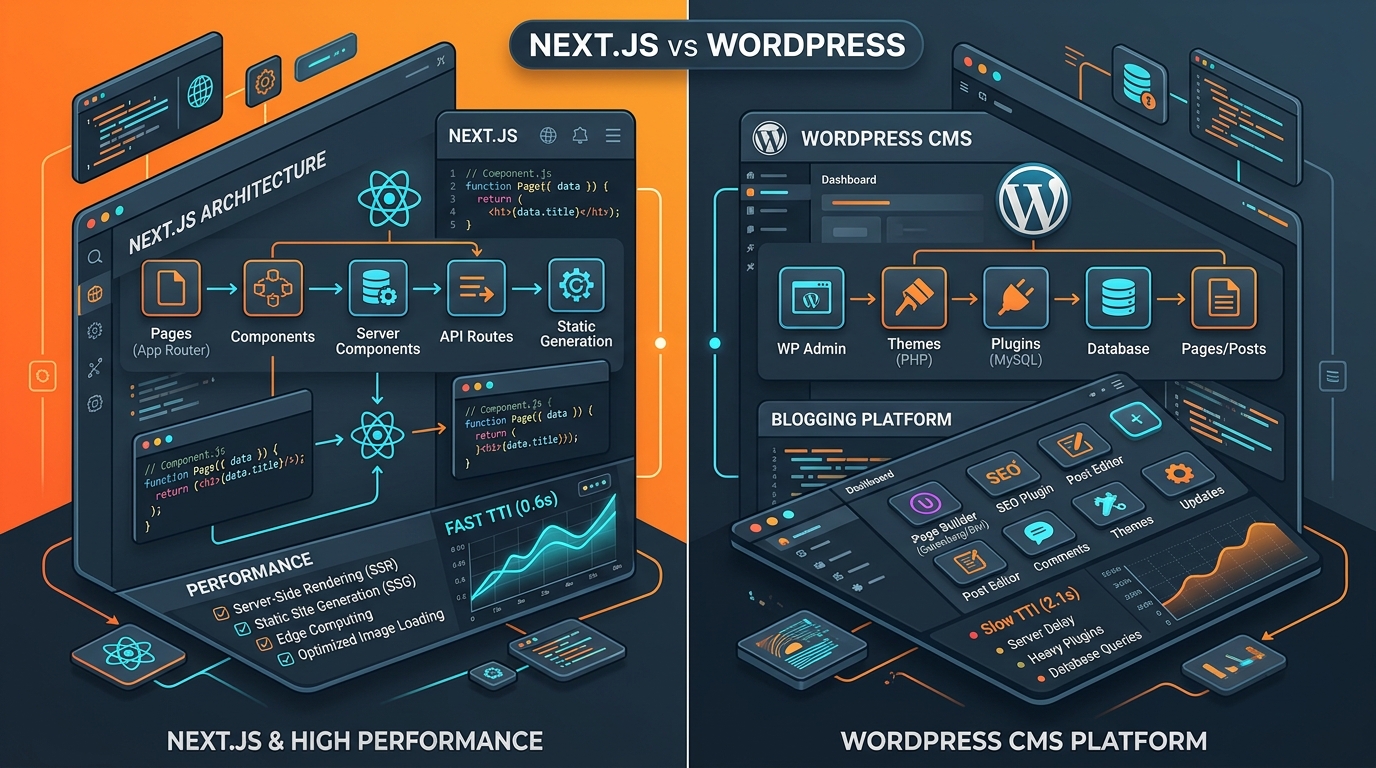
Next.js 15 vs. WordPress in 2026: Which Stack is Right for Your Business?
Choosing between a headless Next.js custom web application and a WordPress site impacts your site performance, security, SEO, and long-term scalability. Here is an honest breakdown.